merazonastudio · Industrial product experience
Dahua Multi-Solution Product Video Campaign
A dark premium case study for technical products, built around large product renders, campaign video slots, project-scene galleries, and a focused solution explorer instead of crowded layouts.
Solution explorer
Explore one solution at a time, without overwhelming the visitor.
Tabs reduce information density. Each solution opens a larger visual story with its own campaign video, product renders, render carousel, project scenes, and technical proof where available.
01
Parking / vehicle flow
Transportation Parking Solution
Parking and access systems are difficult to explain with static product images only.
The campaign presents a 3D parking environment with modeled cameras, entry logic, outdoor display elements, and product visuals that explain the solution as a complete system.
Build this campaign styleCampaign video
Unified studio video player
VIDEO SLOT READY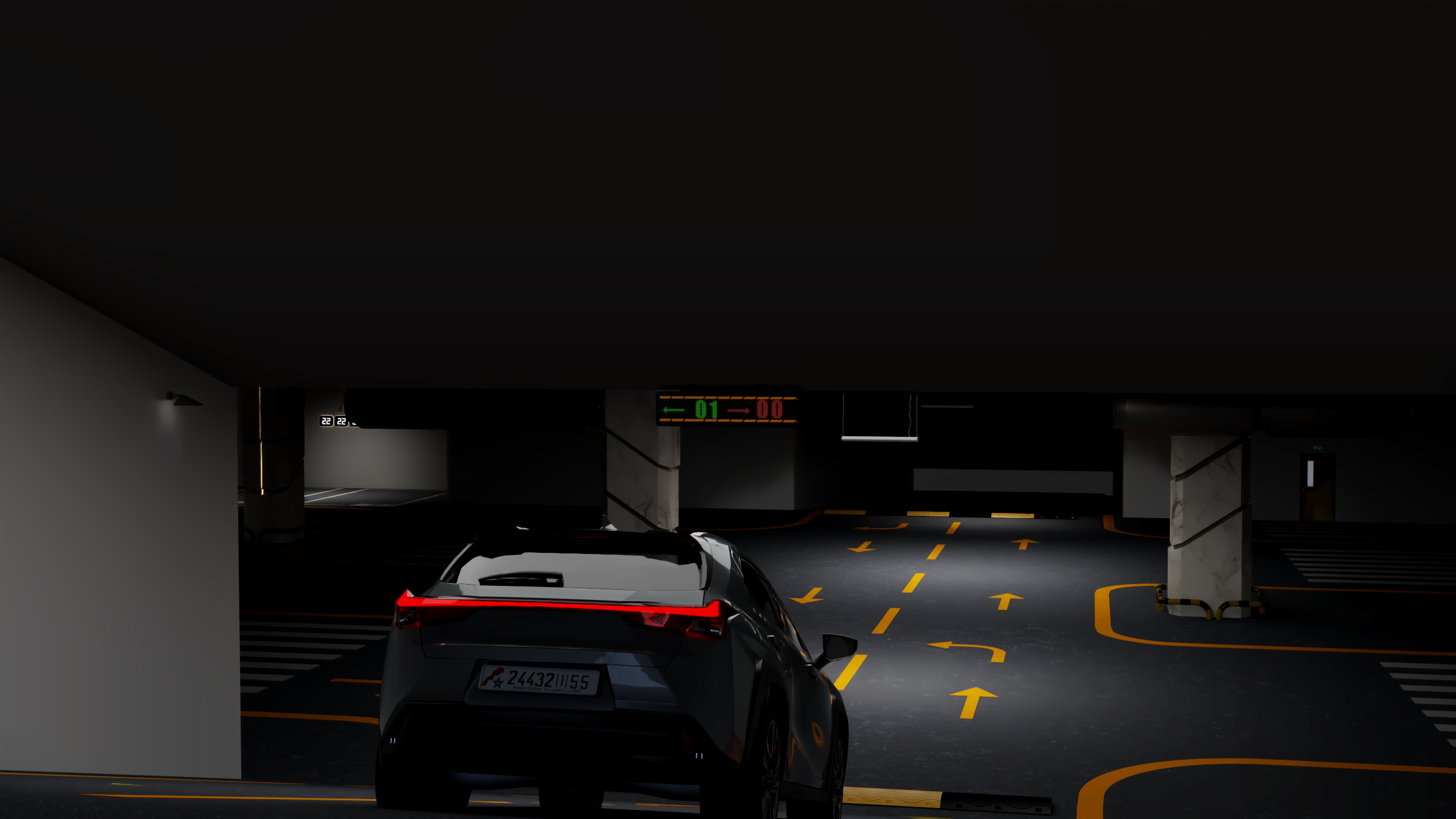
Video slot prepared
Drop the campaign MP4 here and the unified player activates automatically.
/media/work/dahua-product-solution-campaign/transportation-parking/videos/campaign.mp4Product renders
Large product stills for clean visual inspection.
The product cards stay intentionally photographic. Clicking a product opens the full render in a clean lightbox instead of replacing the image with a 3D viewer.
DHI-ITC215
A modeled product render prepared for campaign visuals, presentation, and video production.
IPMECD-3011
A modeled product render prepared for campaign visuals, presentation, and video production.
ITC414-PH5B
A modeled product render prepared for campaign visuals, presentation, and video production.
Outdoor Screen
A modeled product render prepared for campaign visuals, presentation, and video production.
Render gallery
A focused horizontal gallery instead of a crowded grid.
Case-study story
From modeled product to campaign-ready scene.
A short visual sequence explains how the work moves from product asset to environment, scenario, and final communication frame.
Product asset
Model the product clearly
The product asset becomes the visual source for renders, comparisons, and campaign scenes.
Environment
Place it where the solution works
The visual moves from an isolated product to a location that explains context and use.
Scenario
Turn the location into a story
Camera, composition, and product placement focus the viewer on one solution story.
Campaign output
Prepare the final communication frame
The selected scene becomes presentation, sales, launch, or campaign material.
Project evidence
The case study shows the work, not just the final image.
Large product renders document the modeled assets used across the campaign.
Location renders place the products inside parking, charging, traffic, and mobile-use stories.
Each solution has a prepared AJAX-style video position for its campaign film.
Wireframe / render comparisons reveal the geometry work behind selected final visuals.
Campaign strategy
The page is designed as a reusable product-campaign system.
Location-first storytelling
Each video starts from the place where the product creates value: parking, EV charging, traffic, or mobile transport.
Product modeling proof
Product renders and wireframe comparisons show that the campaign is built from real 3D work, not flat mockups.
Campaign video system
Each solution has a dedicated AJAX-style campaign-video position with poster-first playback and explicit sound control.
Reusable brand campaign
The same structure can be applied to any brand with multiple products, industries, or solution categories.
Reusable for technical brands